

How to Use AI Video Tools?
AI video tools convert text prompts, scripts, and articles into video clips, voiceovers, and social media edits without manual timeline editing. Whether you start with a single sentence, a blog post, or a full script, modern platforms automate scene assembly, narration, and captions.
Paste a product link. Get a finished ad. HeyOz reads your page, pulls your images and copy, and builds a real video ad in minutes. No shoot. No editor. No waiting.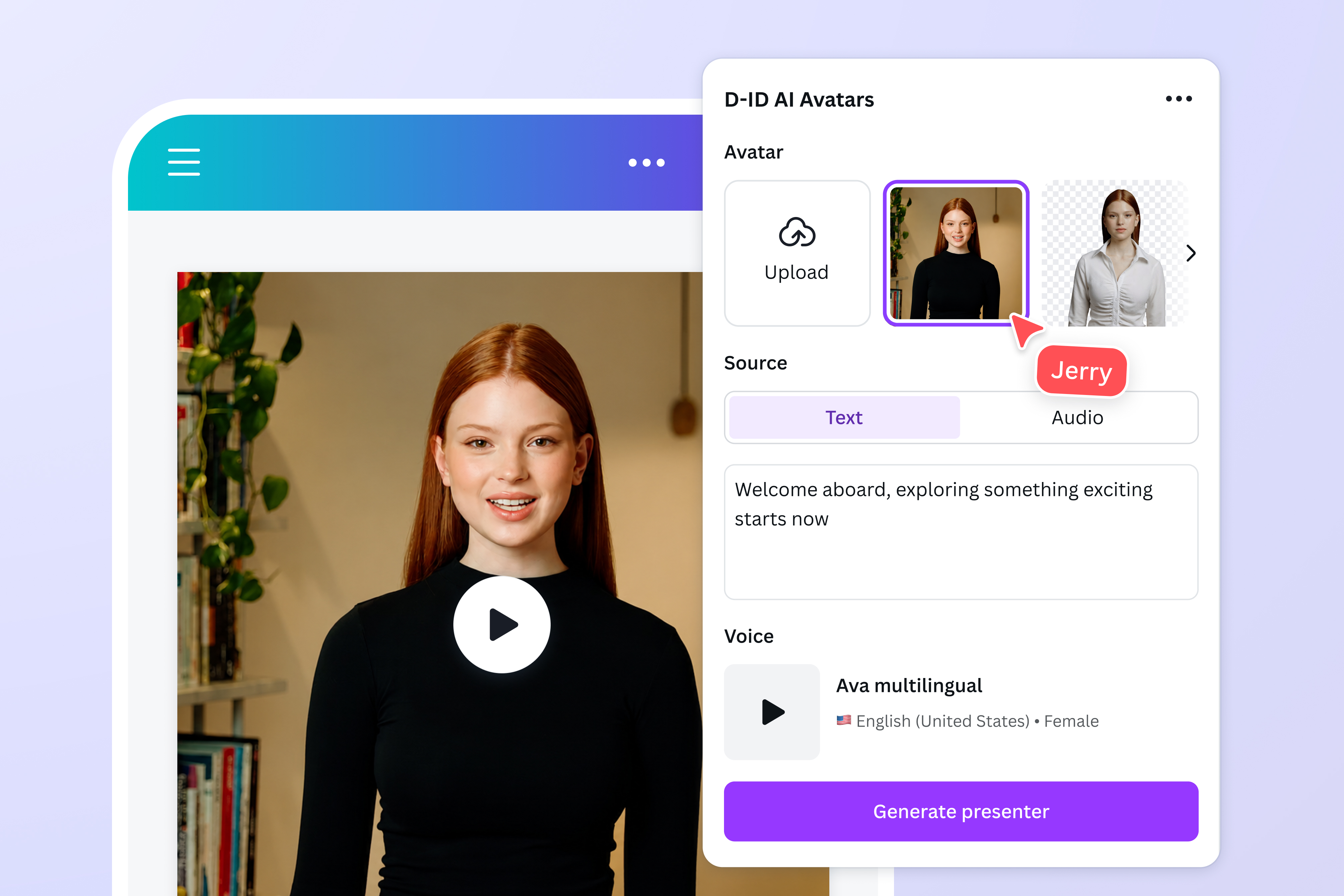
Create videos from text prompts, scripts, articles, and written ideas. Describe the scenes, subjects, actions, camera movements, and visual style you want, then generate clips or complete multi-scene videos with AI. Kapwing's AI Video Generator can also start with images, reference media, or other inputs.
Kapwing supports leading AI video models for generating everything from short social clips and product visuals to cinematic scenes and longer narratives. Start with a few words or provide detailed direction to give the AI more control over the final result.Most AI video tools generate a clip and stop there. Kapwing doesn't. Generate and edit in the same place.
No export, re-import, or switching apps. Generate AI video clips from text, then fine-tune the results with prompt edits, timeline controls, subtitles, music, and branding.
The AI Text to Video Generator is built for creators, marketers, educators, and teams who need fast drafts without giving up creative control.
Kapwing AI includes start and end frames, multi-scene generation, motion controls, and consistent characters.
VEED's text-to-video AI turns your words into complete videos — no camera, no production team needed. Describe your concept or paste a script, and our AI builds everything: footage, narration, and automatic subtitles. Perfect for marketers and creators who need to move from idea to post-ready video fast.
Choose between avatar or voice-only narration. Then fine-tune your auto-generated script with your own insights. Swap footage with your own media, stock clips, or AI-generated visuals. Then add your brand assets, resize for any platform, and export. Everything you need to go from idea to finished video is in one place.
How to Use AI Video Tools: A Complete Beginner's Guide to Creating Professional Videos
Introduction
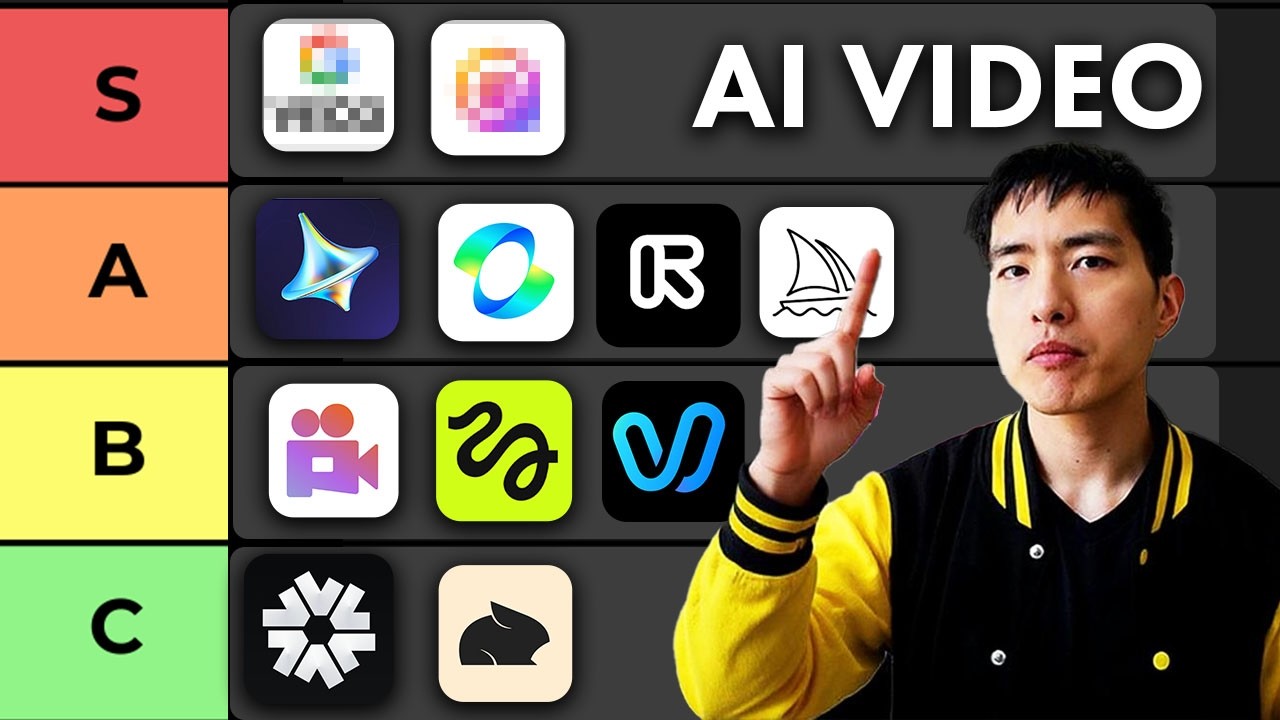
Artificial Intelligence (AI) is transforming the way people create, edit, and share videos. In the past, producing a professional-quality video required expensive cameras, advanced editing software, technical knowledge, and plenty of time. Today, AI video tools make video production easier, faster, and more affordable for beginners, content creators, business owners, marketers, and professional video editors.
AI video tools use artificial intelligence and machine learning technologies to automate different stages of video production. These tools can generate videos from written descriptions, convert images into animations, create realistic voiceovers, add subtitles, remove unwanted backgrounds, and improve video quality. Some platforms can even create complete videos using only a simple text prompt.
Whether you want to create YouTube videos, promotional advertisements, educational content, social media reels, or business presentations, AI video tools can help you achieve your goals without requiring advanced editing skills.
In this guide, we will explore how to use AI video tools, their important features, popular platforms, and practical tips for creating high-quality videos.
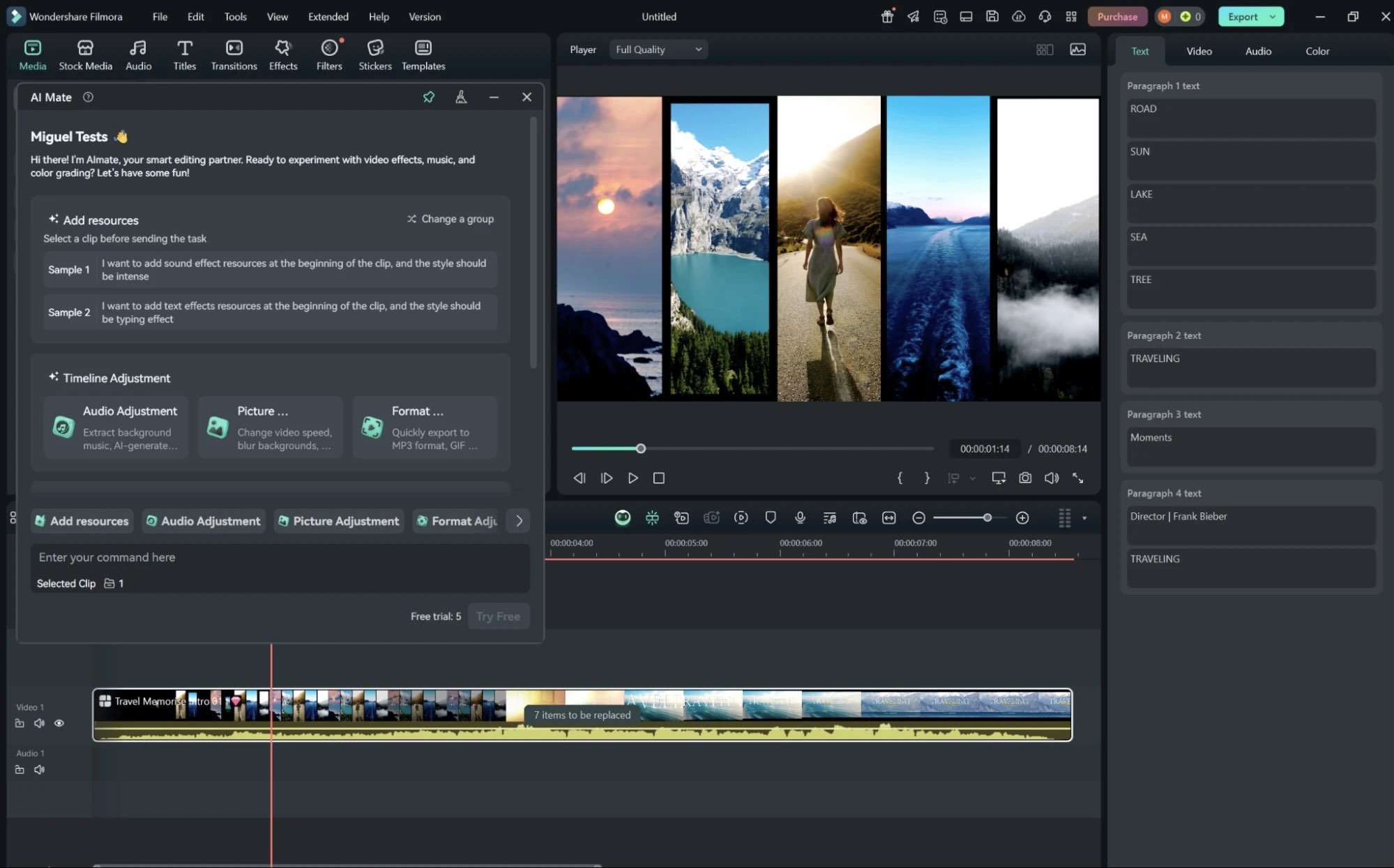
AI video tools are software applications or online platforms that use artificial intelligence to create, edit, and improve video content. They simplify complicated editing processes by allowing users to complete tasks through simple instructions, templates, and automated features.
For example, instead of recording a person speaking in front of a camera, you can use an AI avatar to present your message. Similarly, you can enter a written description and allow an AI video generator to create a short video based on your instructions.
Most AI video tools offer features such as:
-
Text-to-video generation.
-
Image-to-video animation.
-
AI voice generation and voiceovers.
-
Automatic subtitle creation.
-
Background removal and replacement.
-
Video editing and enhancement.
-
AI avatars and virtual presenters.
-
Automatic scene selection.
-
Video translation and dubbing.
Understanding these features will help you select the right AI tool for your video production requirements.
Choose the Right AI Video Tool
The first step in creating videos with artificial intelligence is selecting a suitable platform. Different AI video tools are designed for different purposes. Some focus on generating realistic videos, while others specialize in editing, presentations, animations, or marketing content.
Here are some popular AI video platforms:

Runway: Runway provides AI-powered video generation and editing features. Users can create video clips from text prompts and images, experiment with visual effects, and explore advanced creative video workflows.
Synthesia: Synthesia is useful for creating professional business videos using AI avatars. It allows users to generate presenter-style videos without hiring actors or arranging a traditional recording setup.
Pika: Pika offers AI-powered video generation and animation features. It can help transform creative ideas, images, and text descriptions into engaging video clips.
InVideo AI: InVideo AI helps users create videos from written prompts and scripts. It is particularly useful for social media content, promotional videos, and marketing projects.
Canva: Canva provides accessible video editing features, templates, and selected AI-powered creative tools. It is suitable for beginners who want to create attractive videos for businesses and social media.
CapCut: CapCut offers user-friendly video editing features, including automatic captions, AI-assisted editing, visual effects, and other tools for creating social media videos.
Before selecting a platform, compare its features, pricing, export quality, usage limits, and commercial licensing conditions.
Plan Your Video Content
Before opening an AI video generator, decide what type of video you want to create. Planning is important because it helps you produce organized, relevant, and engaging content.
Start by identifying your target audience. Consider their interests, problems, and the type of information they want to receive.
Next, establish the main purpose of your video. For example, you might want to:
-
Promote a product or service.
-
Educate viewers about a particular subject.
-
Introduce a company or business.
-
Increase brand awareness.
-
Share information on social media.
-
Create entertainment content.
After identifying your objective, prepare a simple video script. Divide the script into different scenes, with each scene explaining one important point.
For example, a promotional video for a roofing company could include an introduction, a presentation of roofing services, examples of completed projects, information about the company's experience, and a final contact message.
A clear script gives AI video tools better instructions and helps maintain a consistent message throughout the video.
Create Videos Using Text-to-Video AI Tools
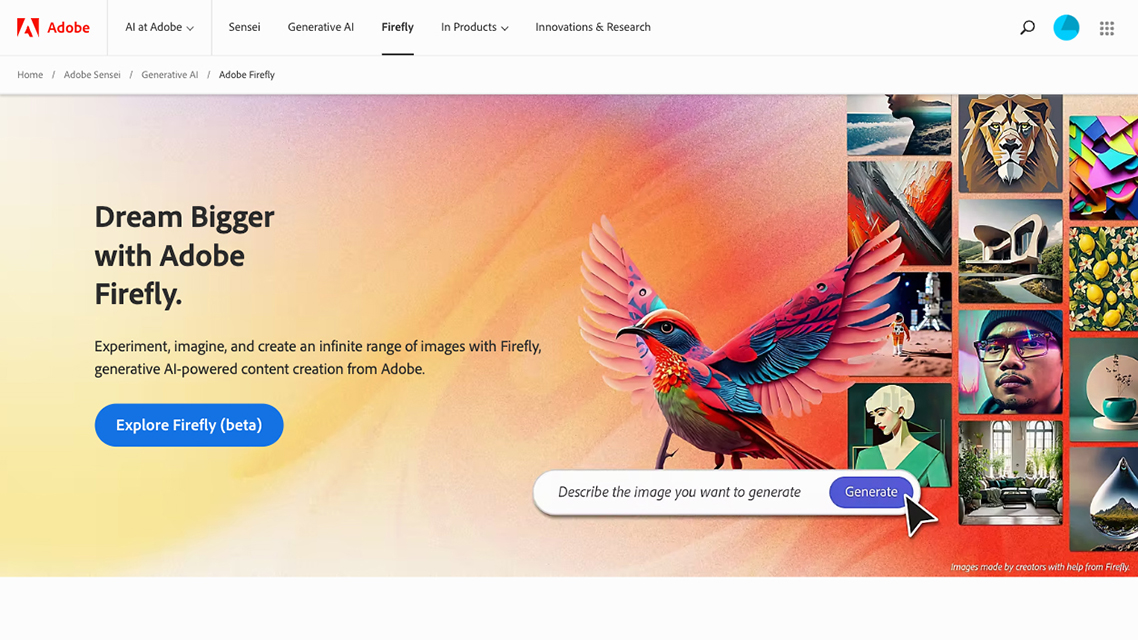
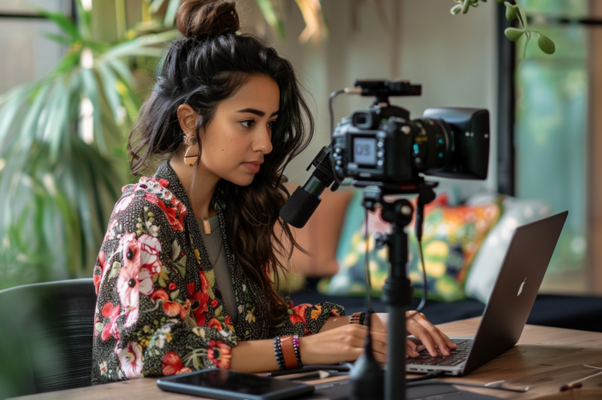
Text-to-video generation is one of the most popular features of modern AI video platforms. It allows users to generate video clips by entering written descriptions.
To use this feature, open a text-to-video platform and locate its video generation option. Enter a detailed prompt explaining what you want the AI to create.
For example, you could write:
"Create a cinematic video showing a modern luxury house surrounded by beautiful greenery. Include a clear blue sky, sunlight, attractive landscaping, and a professional architectural presentation. Use realistic visuals and smooth camera movements."
The AI system will analyze your instructions and generate a video based on the description.
For better results, include details about the subject, environment, lighting, camera movement, visual style, and mood.
Avoid using unclear or extremely short prompts. Detailed instructions generally provide better creative direction, although results can still vary between generations.
You may need to generate several versions before finding the most suitable video clip.
Turn Images into Videos
Image-to-video technology allows users to transform static pictures into moving video content. This feature is especially useful for businesses, photographers, designers, and social media creators.
For example, you can upload a photograph of a house and use AI to create a short animated clip with a slow camera movement, moving clouds, or a cinematic zoom effect.
The process is usually simple:
-
Select an image-to-video AI platform.
-
Upload your photograph or digital image.
-
Enter a prompt describing the desired movement.
-
Choose available video settings.
-
Generate the video.
-
Review the result and make adjustments if necessary.
Image-to-video tools are useful for creating product presentations, property advertisements, travel videos, animated photographs, and promotional content.
For the best results, use clear, high-resolution images with a well-defined subject. Avoid photographs containing excessive visual clutter.
Use AI Voiceovers and Text-to-Speech Features
Audio plays an important role in professional video production. A good voiceover helps communicate your message clearly and keeps viewers interested.
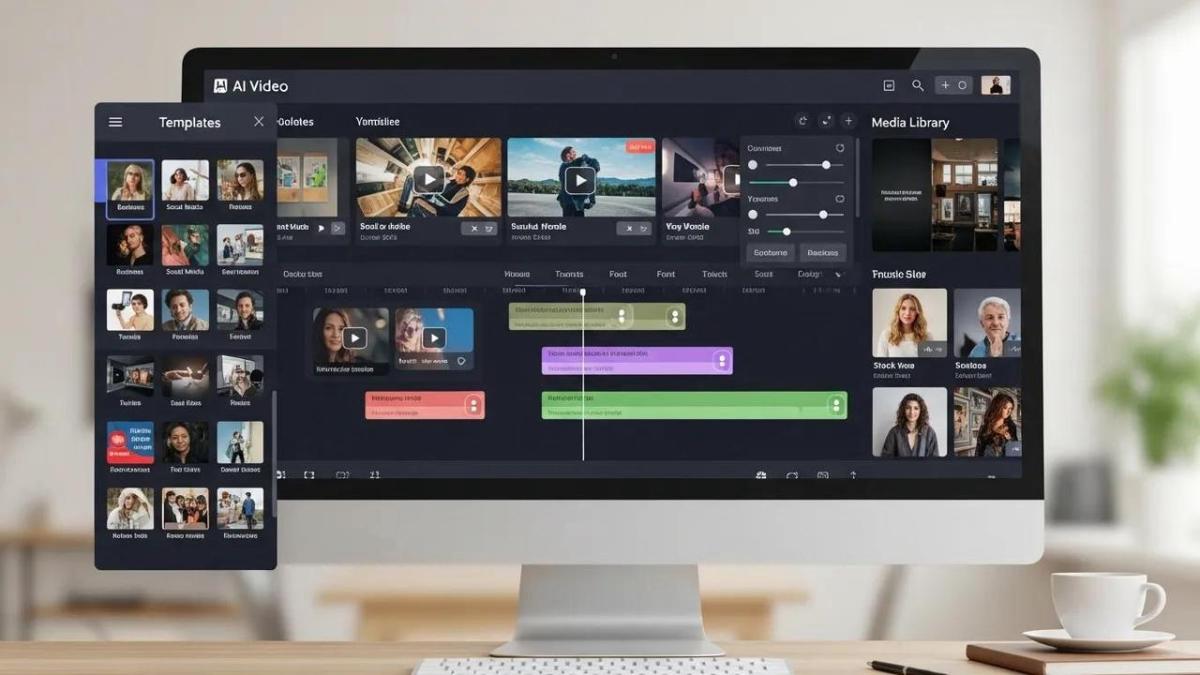
AI voice generation tools allow you to convert written text into realistic speech without recording your own voice.
To create an AI voiceover, prepare your script and upload or paste it into a text-to-speech platform. Select a suitable voice, language, accent, and speaking style. Some tools also provide options for adjusting pronunciation, speed, and emotional expression.
After generating the voiceover, download the audio file and import it into your video editor.
AI voiceovers are particularly useful for:
-
Educational videos.
-
YouTube content.
-
Business presentations.
-
Product advertisements.
-
Explainer videos.
-
Training materials.
-
Multilingual marketing campaigns.
Always listen to the generated audio before publishing. Check pronunciation, pauses, voice quality, and whether the speech sounds natural.
Add Subtitles and Captions Automatically
Subtitles make videos easier to understand and more accessible. They are especially important for social media platforms, where many people watch videos without enabling sound.
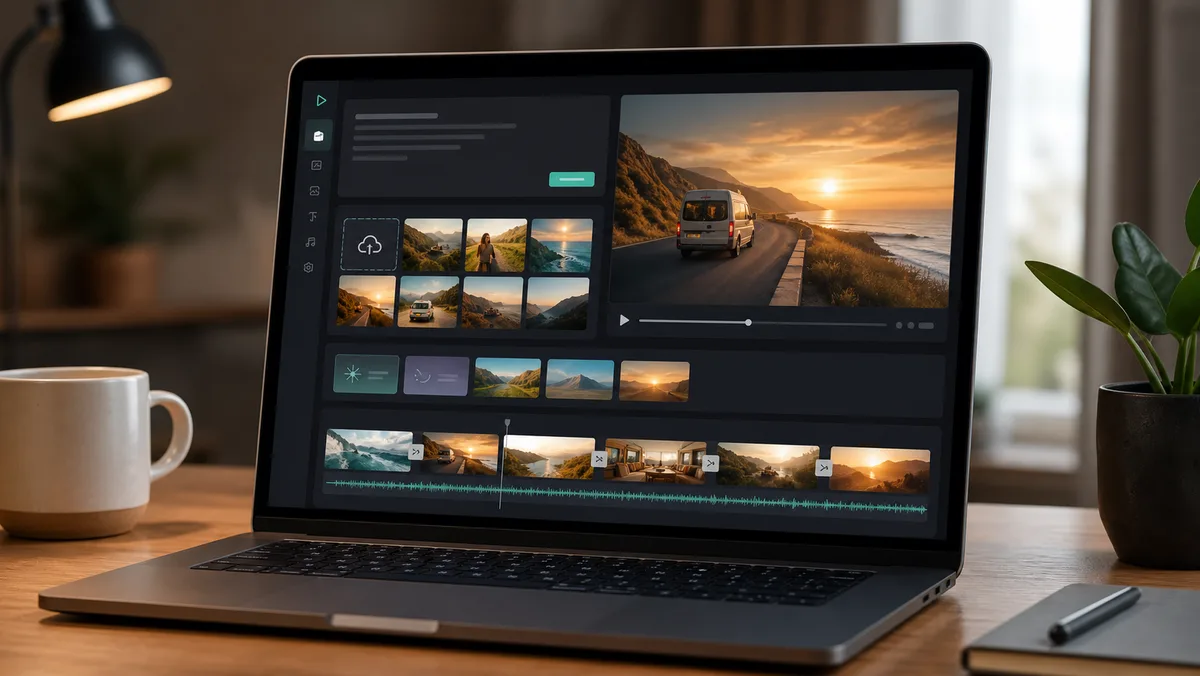
AI-powered subtitle tools automatically identify spoken words and convert them into written text.
To use this feature, upload your video to a platform that supports automatic caption generation. Select the appropriate language and allow the AI system to analyze the audio.
Once the subtitles are generated, review them carefully. Correct spelling mistakes, punctuation errors, names, and technical terms.
You can also customize the subtitle design by changing the font, colour, size, position, and background.
Well-designed subtitles improve the viewing experience and help viewers understand your message even when they cannot listen to the audio.
Edit and Improve Your AI-Generated Videos
Generating video clips is only one part of the production process. You should also edit your content to create a smooth and professional final result.
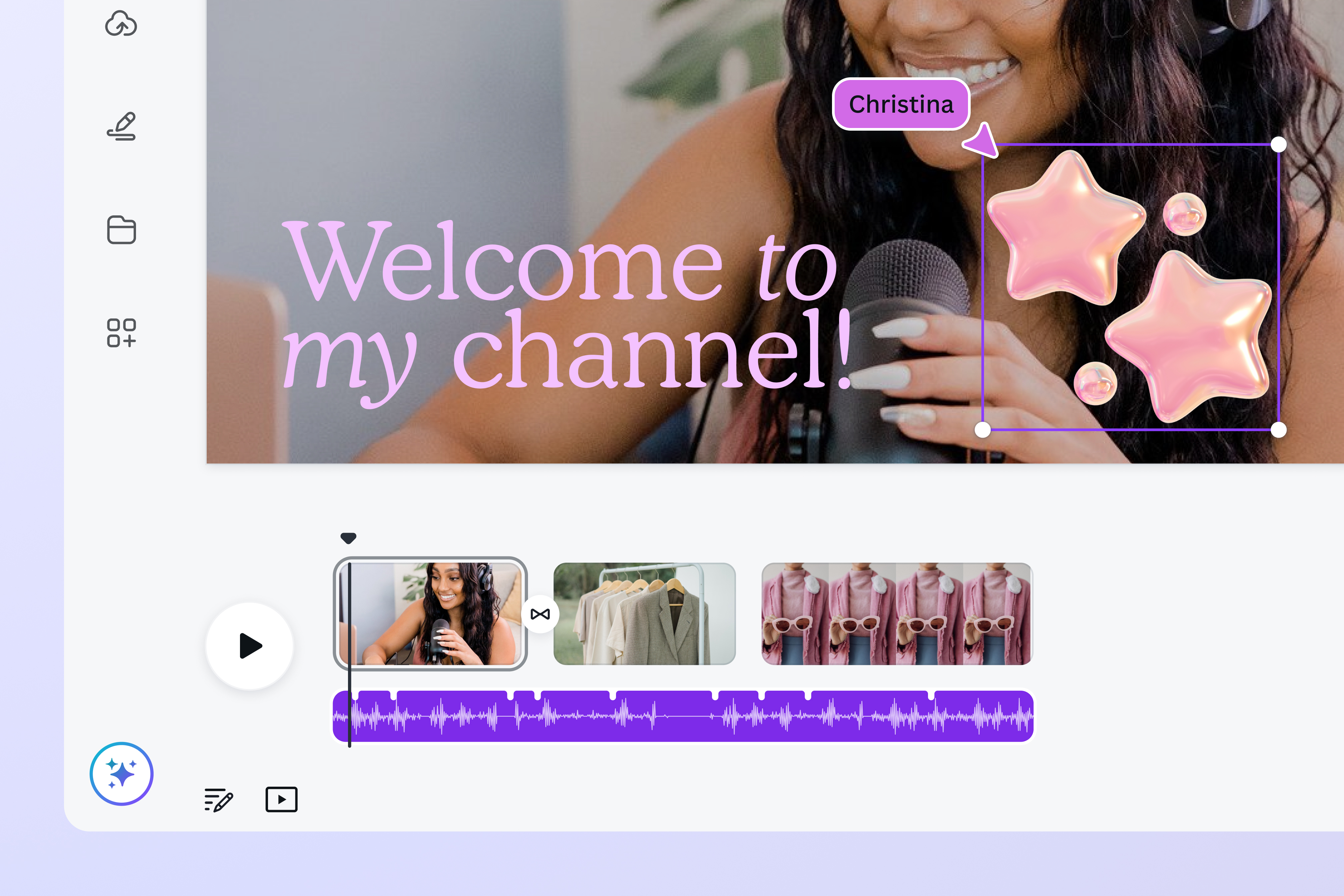
Video editing tools such as CapCut, Canva, and other editing platforms can help you combine different clips, add transitions, adjust colours, and include background music.
Some important editing tasks include:
Remove unnecessary scenes: Delete clips that do not contribute to your main message.
Add transitions: Use suitable transitions to connect scenes naturally.
Include background music: Choose music that matches the mood and purpose of your video.
Adjust brightness and colours: Improve the visual appearance of your footage.
Add text and graphics: Include headings, business names, product information, and important messages.
Balance the audio: Make sure voiceovers are clear and background music does not overpower the speech.
Avoid using too many effects or transitions. Simple and consistent editing often creates a more professional appearance.
Select the Right Video Format and Resolution
Different platforms require different video formats and dimensions. Choosing the correct settings ensures that your content looks attractive across different devices.
Here are some commonly used video formats:
-
16:9 landscape: Suitable for YouTube videos, presentations, and website content.
-
9:16 vertical: Ideal for TikTok, Instagram Reels, and YouTube Shorts.
-
1:1 square: Useful for certain social media posts and promotional content.
For resolution, 1080p Full HD is a popular choice for online videos. Some AI platforms also support 4K video generation or upscaling.
Before exporting, check the platform's recommended video specifications, file size limits, and supported formats.
Use AI Video Tools for Business Marketing
AI video tools provide valuable opportunities for businesses that want to promote their products and services online.
Small businesses can create promotional videos without investing in expensive production equipment. For example, a construction company can create videos showcasing completed projects, roofing solutions, building materials, and customer services.
An online shop can generate product demonstrations, while a restaurant can create attractive food advertisements.
Businesses can also use AI-generated videos for website introductions, social media campaigns, customer education, and internal training.
To achieve better marketing results, focus on creating videos that clearly communicate the benefits of your products or services.
Include your company name, logo, contact information, website address, and a clear call to action where appropriate.
Follow Important Tips for Better AI Video Results

Although AI video tools make production easier, creating high-quality content still requires planning and creativity.
Consider the following tips:
Write clear prompts: Give the AI system specific instructions about the subject, background, style, and movement.
Use high-quality images: Good source images can improve the appearance of image-to-video results.
Keep videos focused: Avoid including too many unrelated ideas in one video.
Maintain visual consistency: Use similar colours, styles, and visual elements throughout your content.
Check generated content: AI systems can sometimes produce unusual movements, distorted objects, inaccurate text, or unrealistic details.
Use suitable background music: Select audio that matches the subject and audience.
Optimize for your audience: Choose video length, language, and presentation style based on where your viewers will watch the content.
Experiment with different tools: Different platforms produce different results. Testing several tools can help you identify the best solution.
Understand the Limitations and Responsible Use of AI
AI video technology is powerful, but it is not perfect. Generated videos may contain visual errors, unrealistic movements, incorrect details, or inconsistencies between scenes.
Human review is therefore essential before publishing any content.
You should also respect copyright and intellectual property rights. Make sure you have permission to use uploaded photographs, music, video clips, logos, and other creative materials.
Avoid creating misleading videos that impersonate real people or present fabricated events as genuine. If a video contains realistic AI-generated scenes that could mislead viewers, consider clearly disclosing that the content is AI-generated.
For commercial projects, review the platform's terms of service, licensing conditions, and usage restrictions.
AI video tools have made professional video creation more accessible than ever before. Whether you are a beginner, business owner, content creator, or digital marketer, you can use artificial intelligence to simplify video production and create engaging visual content.
By choosing the right AI platform, preparing a clear script, generating video clips, adding voiceovers, creating subtitles, and editing the final content, you can produce attractive videos for different purposes.
The most important thing is to understand that AI is a creative assistant rather than a complete replacement for human creativity. Combining AI technology with good planning, original ideas, and careful editing will help you achieve better results.
Start with simple projects, experiment with different features, and gradually improve your skills. With regular practice, AI video tools can become valuable resources for creating professional videos, growing your online presence, and promoting your business successfully.
Posted on 2026/11/23 08:56 AM